
Repair It or Replace It? When a Business Computer Isn't Worth Fixing
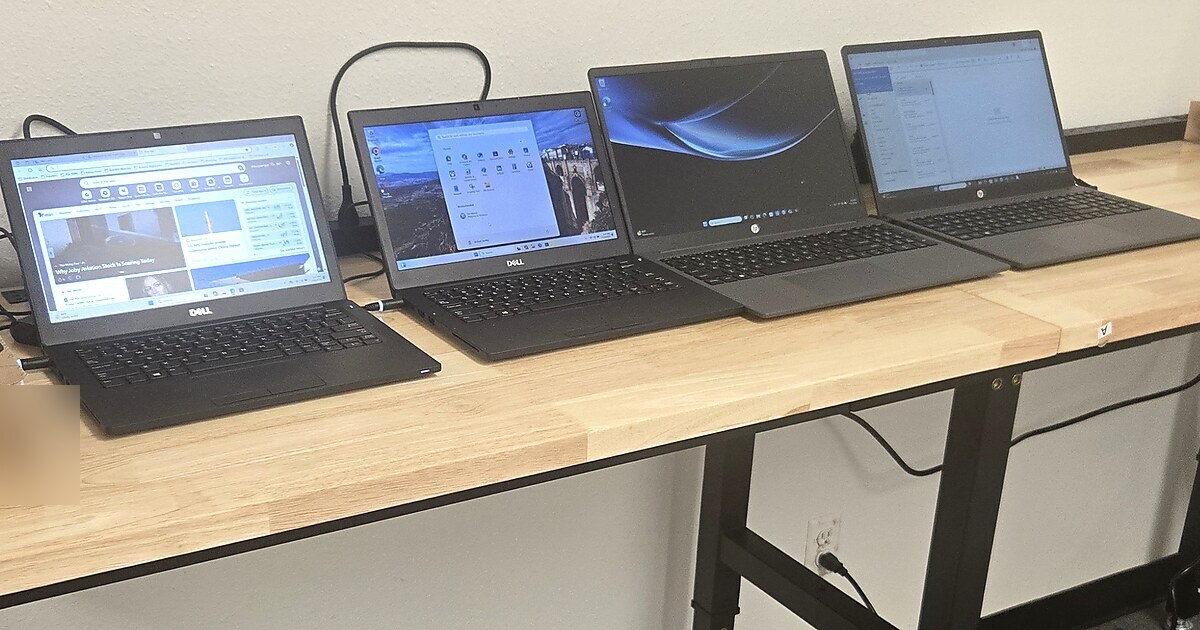
A work computer starts acting up — slow, freezing, a failed part, maybe it won't boot. And you're stuck with the same question every business owner hits eventually: do we fix it, or is it time to just replace it?
There's no magic number, but there is a simple way to think about it. Here's how I walk clients through it.
Start with age, because age changes everything
A computer's age is the single biggest factor. A rough guide for business machines:
- 0–3 years: almost always worth repairing. It's still under or near warranty, still fast enough, and parts are cheap.
- 4–5 years: it depends — this is the judgment zone (keep reading).
- 6+ years: usually time to replace. Even if you fix the immediate problem, you're pouring money into a machine that's slow, out of warranty, and closer to the next failure.
Old computers don't just fail more — they quietly cost you speed every single day.
The repair-cost rule of thumb
Here's the rule I use: if a repair costs more than about half the price of a comparable new machine, replacing is usually the better call. A $300 repair on a $500 laptop rarely makes sense — you've spent most of a new computer's cost to keep an old one limping.
And factor in what broke. A bad keyboard or a dead battery is a cheap, sensible fix. A failed motherboard or a dying drive on an older machine is often the moment to move on.
The cost nobody puts on the invoice: downtime
The repair quote is only part of the math. The bigger cost is usually the person sitting there unable to work while the machine is down — and the scramble, the lost files, the "can you just use this old spare for now."
If a computer is failing often, the real question isn't "what does this repair cost?" It's "what is this unreliable machine costing us every week in lost time and frustration?" That number is often much bigger than a new computer.
A few practical tie-breakers
When you're stuck in the 4–5 year judgment zone, these usually settle it:
- Is it slow even when it's working? If it's already frustrating on a good day, fixing the immediate problem won't fix the slowness. Replace.
- Can it run the software you actually need — including current, supported Windows and your business apps? If it's stuck on something old and unsupported, that's a security problem too. Replace.
- Is this the second or third repair? Repeat repairs on the same machine are a message. Listen to it.
- Is it a critical role? The computer running your front desk, your point of sale, or your one specialist deserves reliable hardware more than the rarely-used spare in the back.
Don't forget the data and the setup
Whichever way you go, remember the computer is just the box. What matters is what's on it and how it's set up. Before any major repair or replacement, make sure the data is backed up, and plan for the hour it takes to get a new machine properly configured, secured, and connected. A good IT partner makes that a non-event instead of a lost afternoon.
A simple gut check
Ask yourself three quick questions:
- Is it more than five years old?
- Is the repair more than half the cost of a new one?
- Is this not the first time it's failed?
If you answered "yes" to two or three of those, it's almost certainly time to replace. If it's mostly "no," fix it and move on with your day.
The takeaway
Repairing a newer computer is smart. Repeatedly repairing an old, slow one is just paying twice — once for the fix, and again in lost time every day it drags. The goal isn't to spend the least today; it's to stop spending your people's time on hardware that should have been retired.
— Michael
Your Friendly Neighborhood Tech Guy
Not sure which of your computers are worth keeping? A quick review of your machines — age, condition, and what they're costing you — takes the guesswork out of it. See how SecureIT managed protection keeps your devices healthy and planned-for.