
How Many Cameras Does a Business Actually Need?
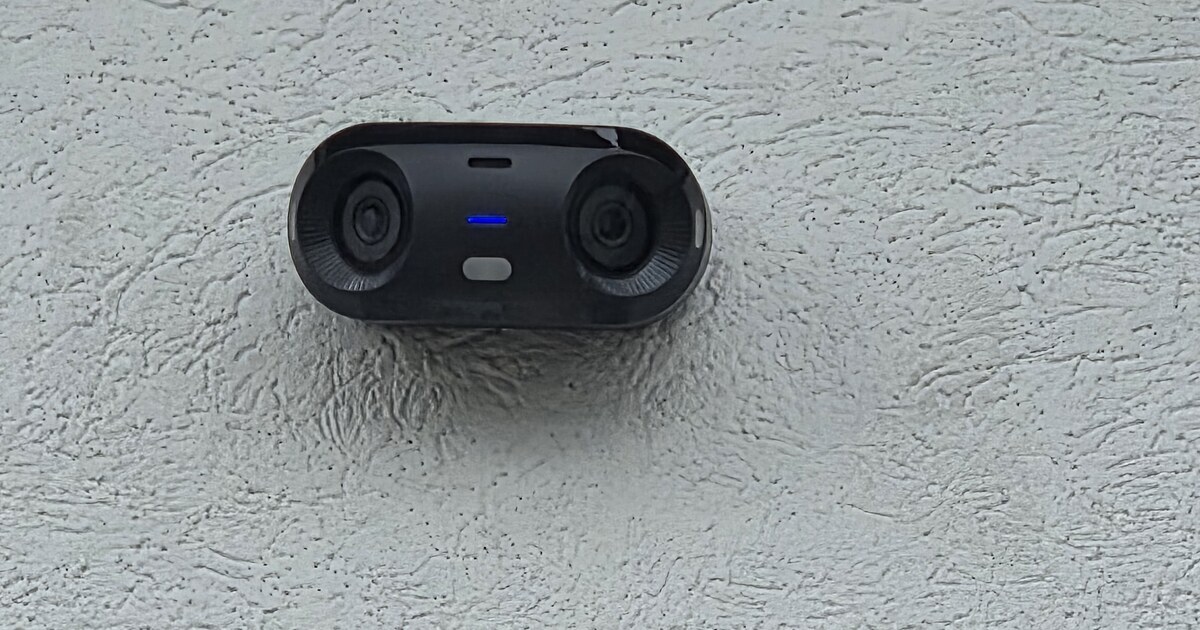
"How many cameras do we need?" is one of the most common questions we get. It's also the wrong first question.
The right one is: What are you trying to see, and why?
Because the honest answer to "how many cameras" is never a number off the top of someone's head. Twelve cameras pointed at the wrong things protect you less than four cameras pointed at the right ones. Coverage beats count every time.
Here's how to think it through before anyone quotes you hardware.
Start with what you're actually protecting
Cameras exist to answer questions you'll have later. Usually one of these:
- Who came in and out, and when?
- What happened at the register, the safe, or the cash-handling area?
- Who touched this inventory, equipment, or vehicle?
- What happened in the parking lot or at the back door?
- Did this "slip and fall" or this dispute happen the way someone says it did?
Walk your space and list the moments you'd want on video. That list — not a camera count — is your real requirement.
The coverage checklist most businesses actually need
For a typical small commercial space, meaningful coverage usually means eyes on:
- Every entrance and exit — front door, back door, side doors, loading areas. This is non-negotiable. Doors are where accountability starts.
- Points of transaction — registers, service counters, cash-handling, pharmacy or controlled areas.
- High-value or high-risk zones — inventory, stockrooms, server/IT closet, equipment yards, safes.
- Blind spots and "quiet" corners — the places where problems happen precisely because nobody's watching.
- The perimeter and parking — vehicles, deliveries, and after-hours activity.
Notice this is about positions, not a magic number. Once you know the positions, the camera count falls out of it naturally.
Why more cameras can actually make you less safe
It sounds backwards, but piling on cameras can hurt you:
- Coverage gaps hide in plain sight. Ten cameras all aimed at the sales floor and none on the back door is a very expensive blind spot.
- The wrong camera in the right spot is useless. A wide-angle camera trying to cover an entire lot won't give you a readable face or license plate. Sometimes the job needs a specific lens, not another camera.
- Storage and review get out of hand. Every camera is footage someone has to store and, someday, scroll through. More cameras means more cost and more haystack around the needle.
- Lighting quietly defeats you. A camera pointed straight into a bright doorway or a dark lot at night can be technically "recording" and practically worthless.
Good design solves the question with the fewest cameras that actually answer it — not the most.
A simple way to size it yourself
Before you get a quote, sketch a rough floor plan and mark:
- Every door (exterior first, then sensitive interior doors).
- Every money or high-value point.
- Every area you'd regret not seeing.
- Any spot with tricky lighting or long distances (these may need a specific camera, not just any camera).
Count the marks. That's your starting camera count — grounded in what you're protecting instead of a guess. A good installer will refine it, not inflate it.
A few things worth deciding early
- How long do you need to keep footage? Retention drives storage and cost.
- Who needs to view it, and from where? Owner's phone? Front desk? Remote?
- Indoor, outdoor, or both? Weather, vandalism resistance, and night performance matter outdoors.
- Does it need to tie into anything else — door access, alarms, alerts?
You don't have to answer all of these today. But deciding them before you buy keeps you from replacing hardware in a year.
The takeaway
The number of cameras is the last thing to figure out, not the first. Start with what you need to see and why. Map the doors, the money, and the risk. Choose the right camera for each spot. The count takes care of itself — and you end up spending on coverage that actually protects you, not on hardware that just looks reassuring on a wall.
— Michael
Your Friendly Neighborhood Tech Guy
If you're planning cameras for a new space or fixing coverage in an old one, a short walkthrough will tell you what you actually need to see — before you buy a single camera. Here's how we approach business cameras and secure buildings.